
Image Upscaler 4K
Increase image quality and upscale to 4K resolution in seconds. Fast mode for quick batch processing, pro mode with specialized AI for portraits, product photos, old prints, documents, and AI-generated art.
Upload any image and our AI identifies what it contains — portrait, product photo, digital art, scanned document, or old print. Choose fast mode for instant 4x enlargement in 3 seconds, or pro mode to select from 5 specialized upscalers with adjustable sharpness, noise reduction, and face enhancement. Convert any image to 4K resolution online.
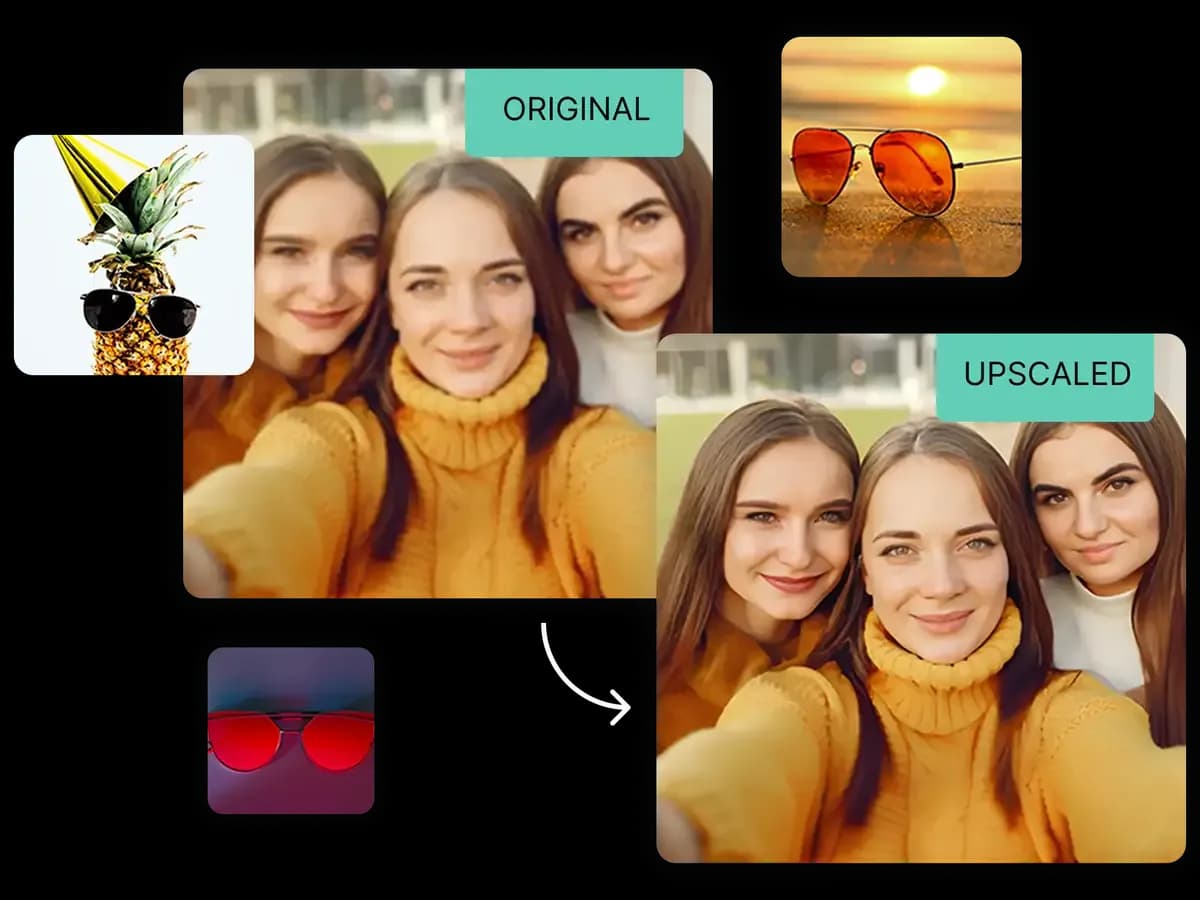
Choose the right upscaling engine for your image type
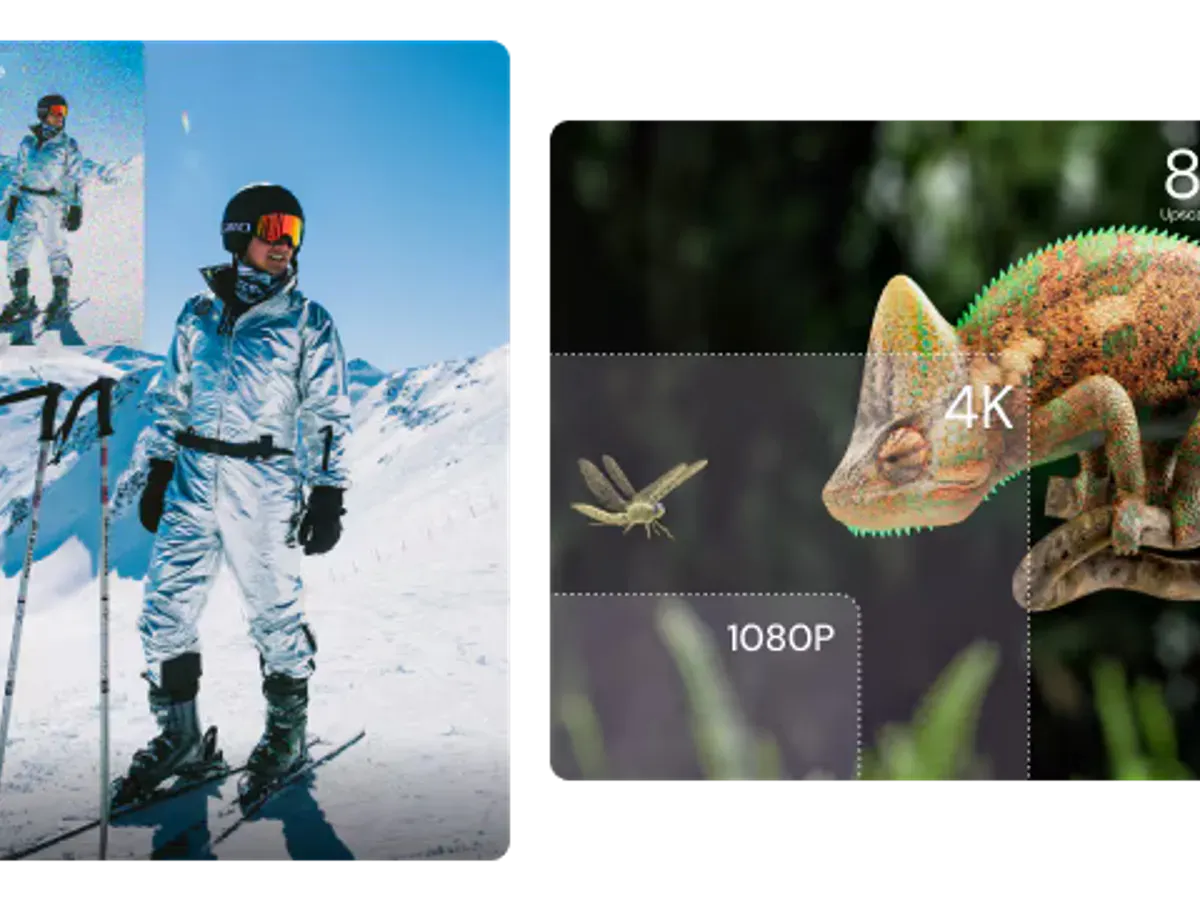
The image upscaler 4K fast mode provides instant 4x enlargement — best for batch processing e-commerce product photos, social media images, and web thumbnails. Upload and get your enhanced image in 3 seconds.
Average time to upscale a 1024×1024 image to 4096×4096
Input dimensions multiplied by 4 — enlarge any image to 4K
Lowest cost per upscale — ideal for e-commerce product photos
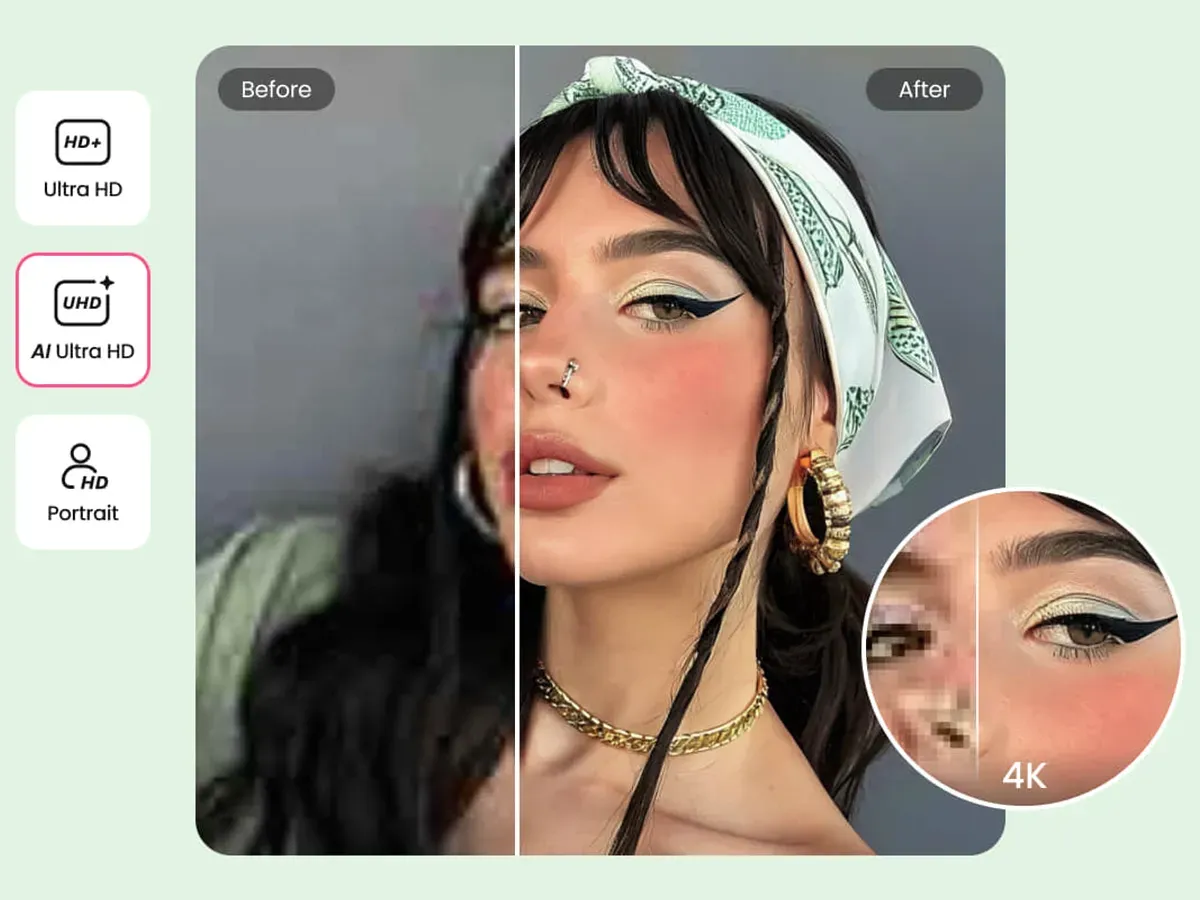
The image upscaler 4K pro mode offers 5 specialized upscalers optimized for portraits, product photos, old prints, documents, and AI art. Full control over sharpness, noise reduction, and face enhancement.
Automatically restore facial features in old portraits and low-resolution headshots
Fine-tune sharpness (0–100), noise reduction (0–100), and face recovery independently
Specialized AI for photos, 3D renders, old images, documents, and AI-generated art
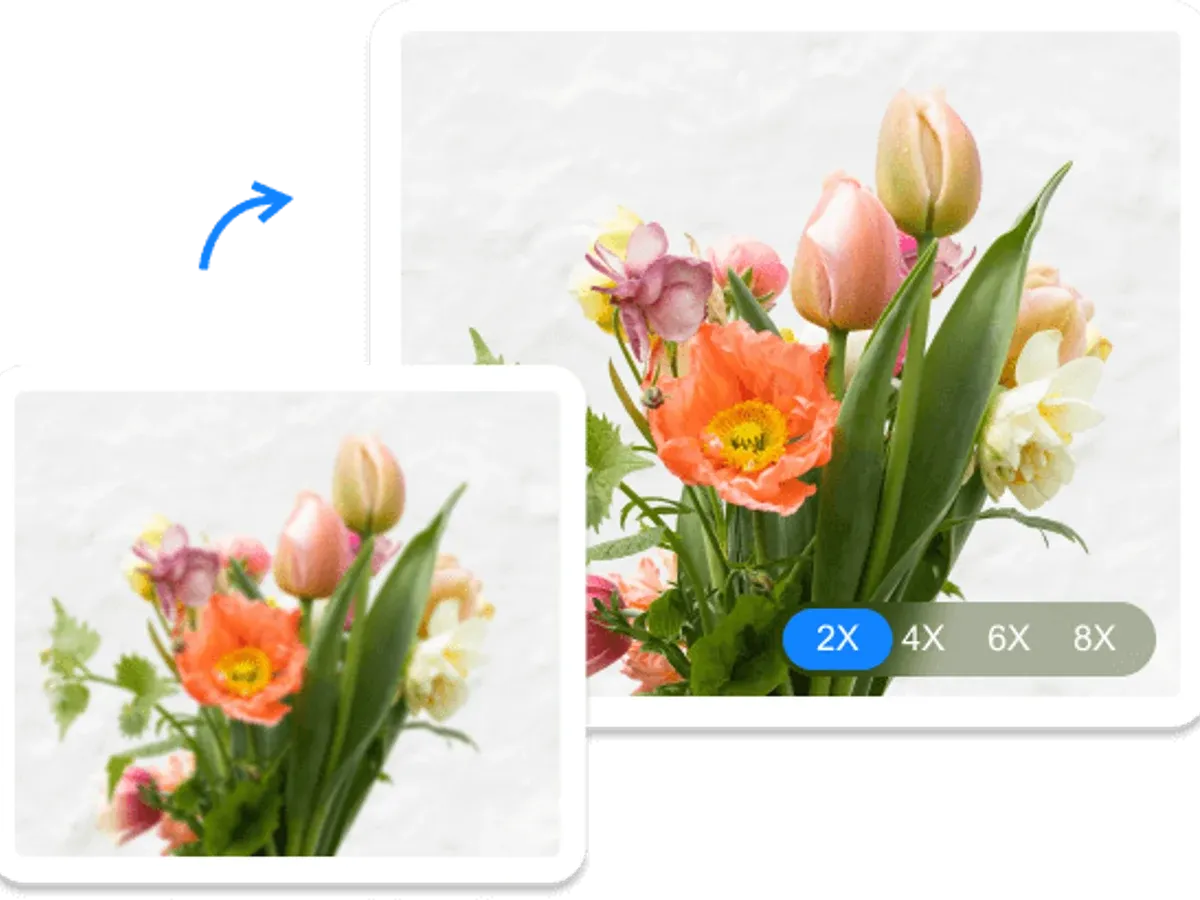
The image upscaler 4K applies 4x magnification to your input dimensions — not a fixed 3840×2160 output. A 1000×750 input becomes 4000×3000 (exceeding 4K). Input must be at least 960×540 to make image 4K after upscaling.
Each dimension multiplied by 4, pixel count increases 16x
Input must be at least 960×540 to reach 3840×2160
Pro/Business support up to 268 megapixels
Choose the right upscaling approach for your image type
One-click 4x enlargement for social media images, web thumbnails, and batch product photo processing. No parameter tuning needed — upload and download in seconds.
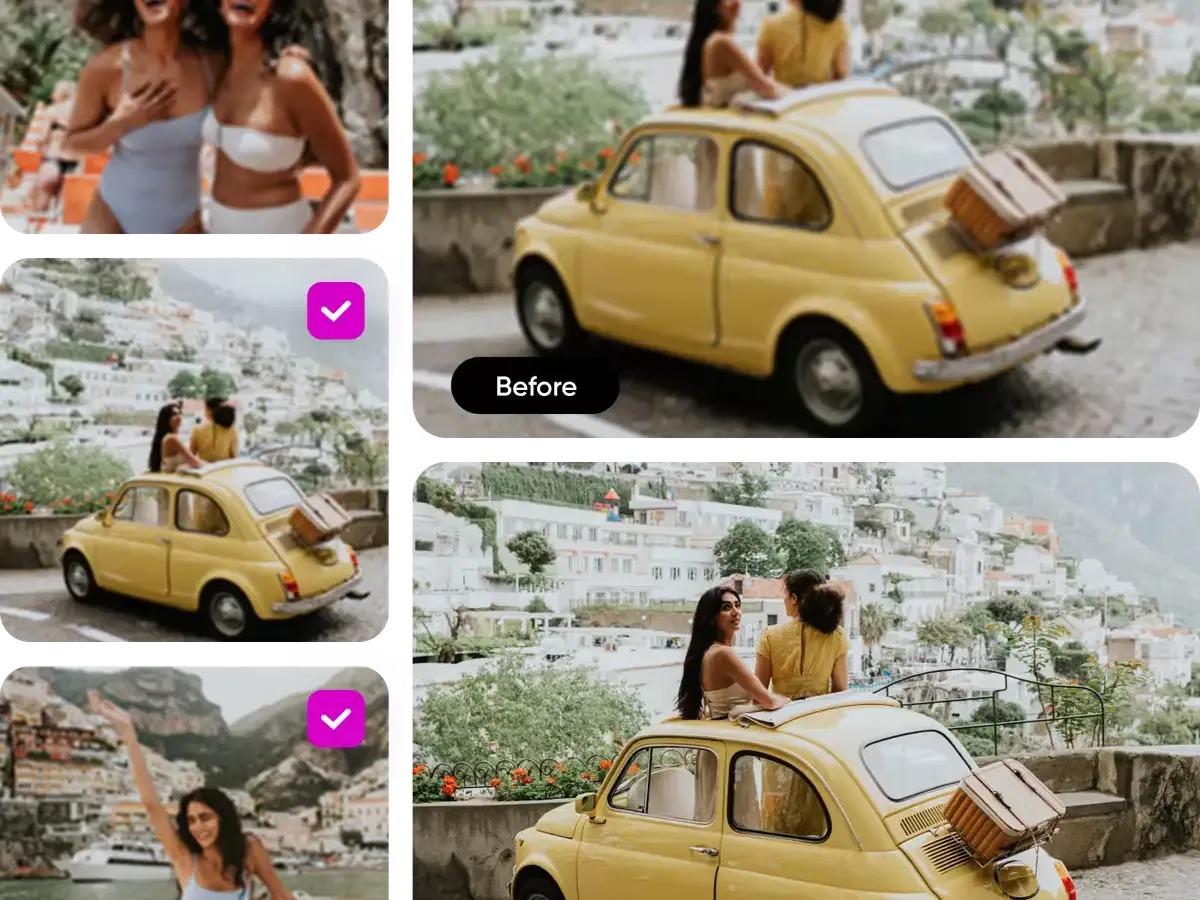
Enhance photo quality to 4K for landscapes, event photography, and group portraits. Preserves skin tones, recovers texture detail, and handles mixed-lighting scenes without color shift.
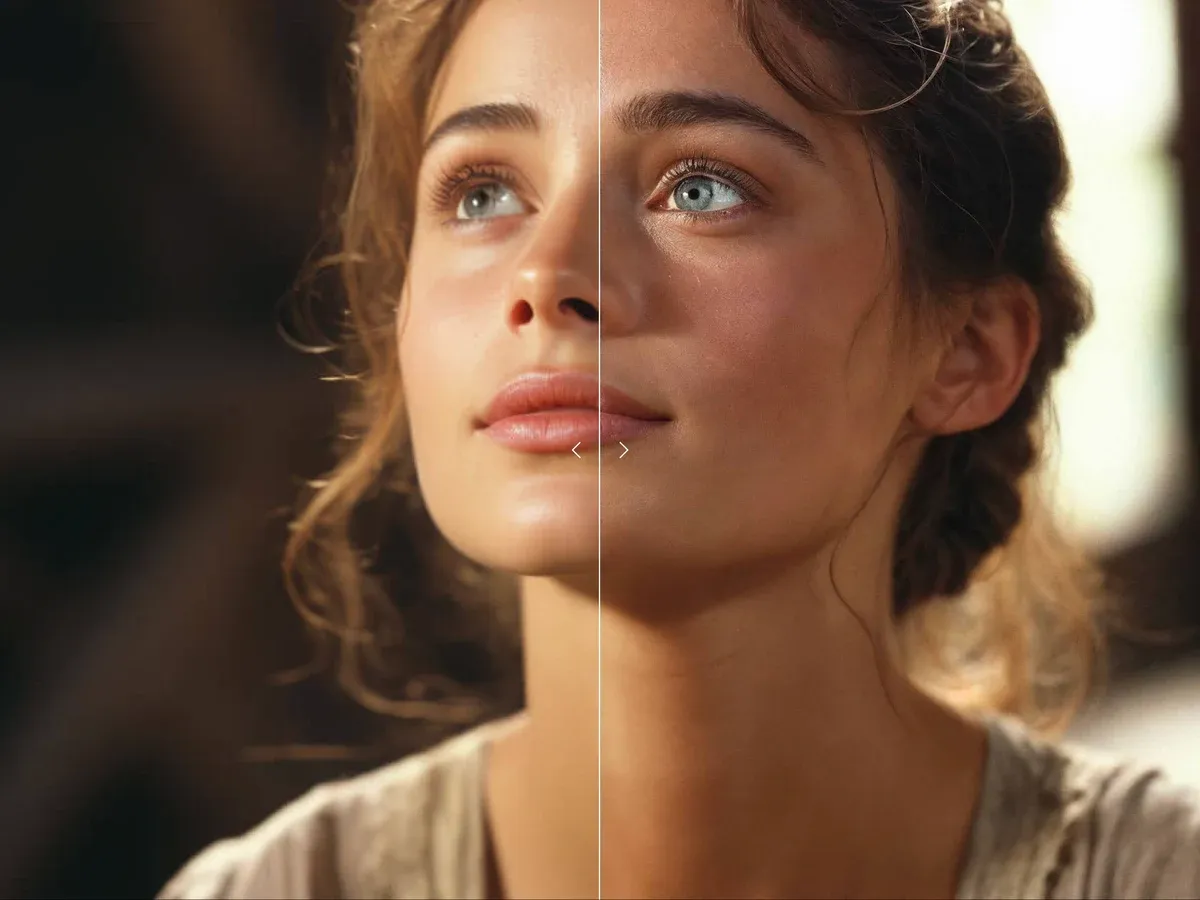
Restore and enlarge faded family prints, damaged negatives, and low-resolution scans from the 1990s–2000s. Built-in face enhancement automatically detects and reconstructs facial features.
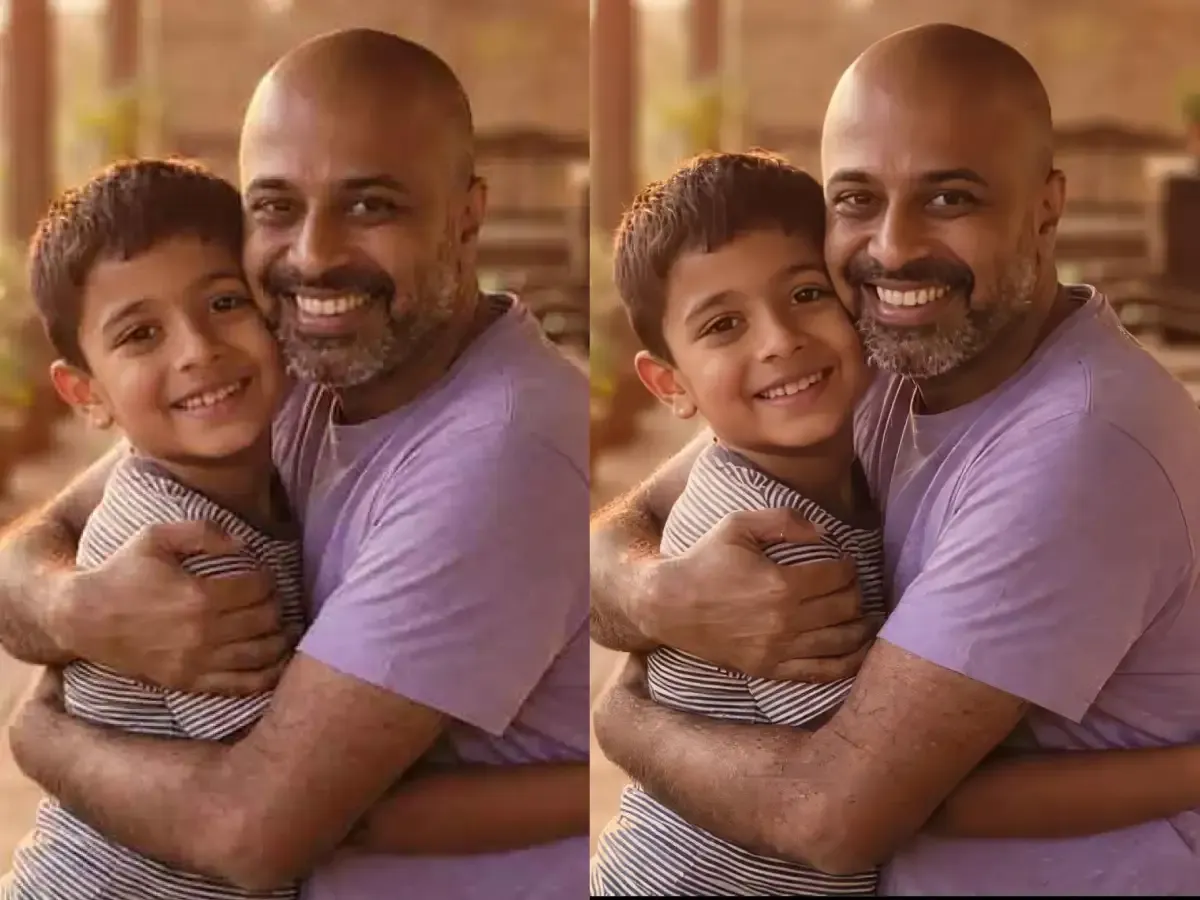
Enlarge AI-generated images to print resolution while preserving artistic style — brush strokes, lighting gradients, and compositional balance survive the 4x image upscaler 4K process intact.
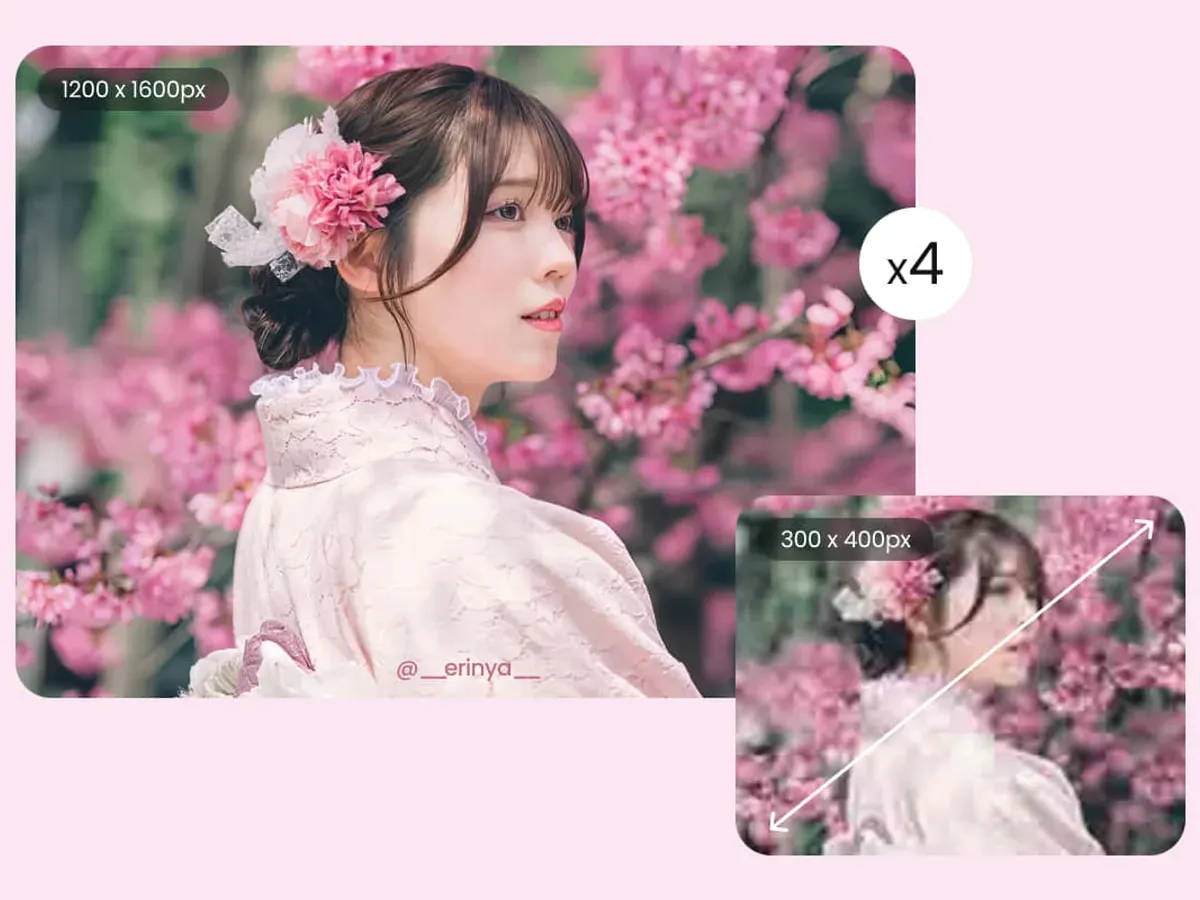
Whether you're upscaling a product photo for an e-commerce listing or restoring a scanned family portrait, the right AI model makes the difference
Three steps — upload, configure your AI model, and download the enhanced result
Scale your images to 4K with AI-powered upscaling. Choose between fast Recraft Crisp processing or professional Topaz AI models with scene-specific optimization.
Includes
2,400 credits for 12 months
Billed as $100.0/year
Risk-free · Cancel anytime
Includes
21,600 credits for 12 months
Billed as $360.0/year
Risk-free · Cancel anytime
Everything in Basic, plus
48,000 credits for 12 months
Billed as $599.0/year
Risk-free · Cancel anytime
Everything in Pro, plus
Business Exclusive
Find the right image upscaler 4K plan for your workflow
| Feature | Free | Basic | Pro | Business |
|---|---|---|---|---|
| Monthly Credits | 10 (one-time) | 800 | 1,800 | 4,000 |
| Fast mode (Recraft Crisp) | 6 credits / image | 6 credits / image | 6 credits / image | 6 credits / image |
| Pro mode (Topaz) | From 48 credits / image | From 48 credits / image | ||
| Fast 4x upscaling (3 sec) | Watermark | |||
| Photo upscaling | ||||
| Render & digital art upscaling | ||||
| Old photo restoration | ||||
| Document & text upscaling | ||||
| AI art upscaling | ||||
| Sharpness control | ||||
| Noise reduction control | ||||
| Face enhancement | ||||
| Max output resolution | Up to 4K | Up to 4K | 4K+ ultra-high | 4K+ ultra-high |
| Batch upscaling | Up to 50 images | |||
| Image download | ||||
| No watermark | ||||
| Private processing | ||||
| Commercial license | ||||
| Processing queue | Shared | Standard | Priority | VIP |
| Support response | - | 48 hours | 24 hours | 12 hours |
Upload your file, pick your options and press Generate.
From e-commerce to archival restoration
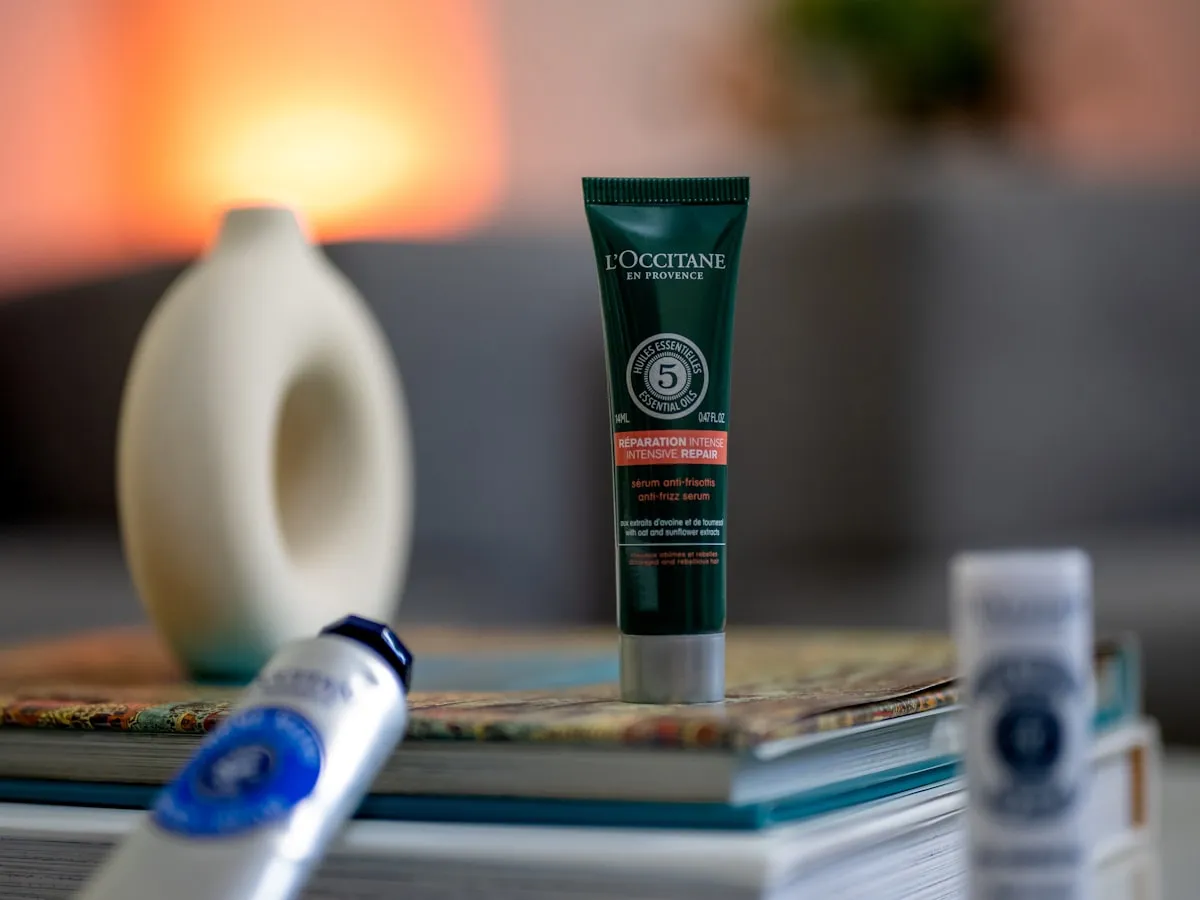
Upscale supplier photos from 800×800 to 3200×3200 for Amazon, Shopify, and Etsy listings. Our photo upscaler recovers fabric texture and product detail that phone cameras miss. Average processing: 8 seconds per image.

The restoration mode with face enhancement restores facial features in low-resolution portraits — ID photos, LinkedIn headshots, and event photography. Adjustable noise reduction removes compression artifacts without softening skin texture.
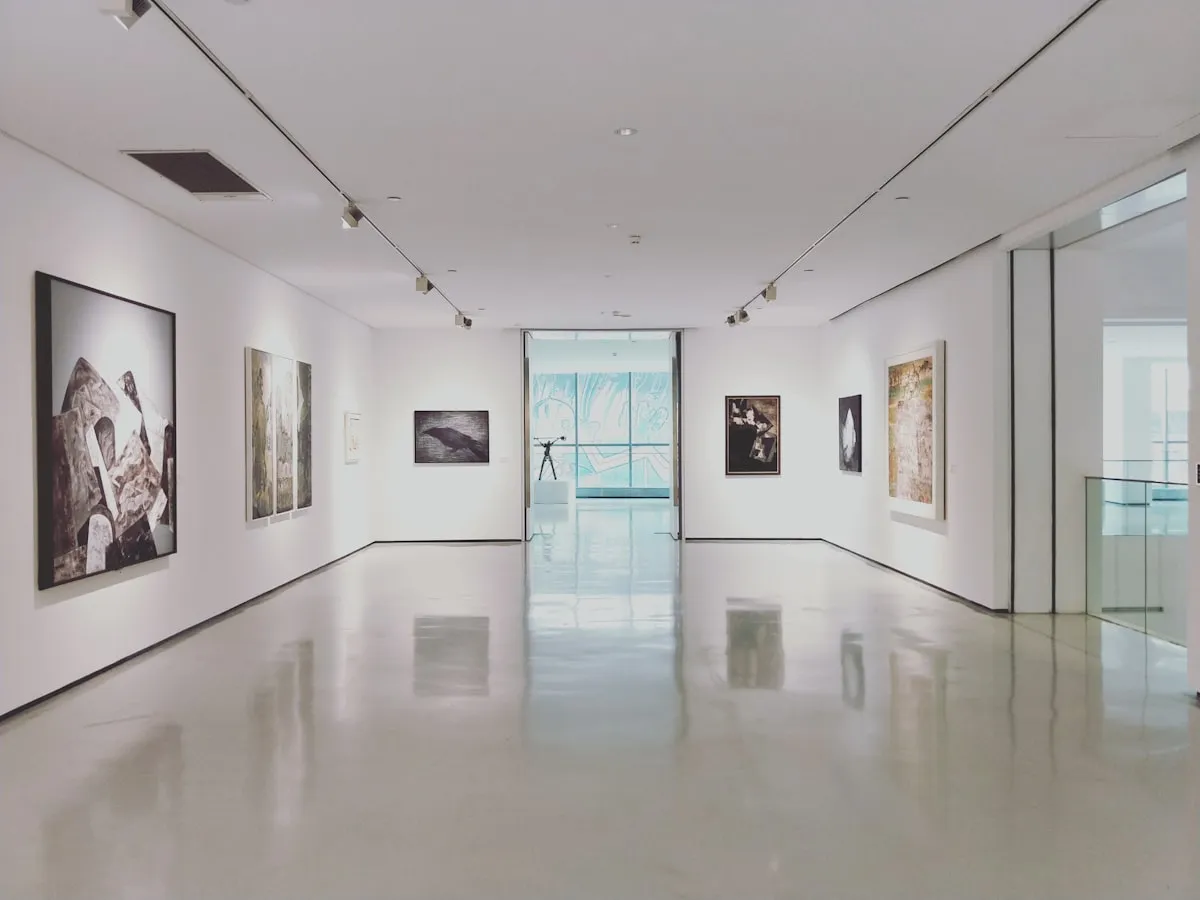
The AI art upscaler preserves the stylistic intent of images from text-to-image generators. Brush strokes, lighting gradients, and compositional balance survive 4x enlargement — critical for artists selling prints on marketplaces.

The document upscaler maintains character legibility during 4x upscale for legal documents, scanned receipts, and infographics. OCR accuracy improves 30–40% on upscaled outputs compared to bilinear interpolation.
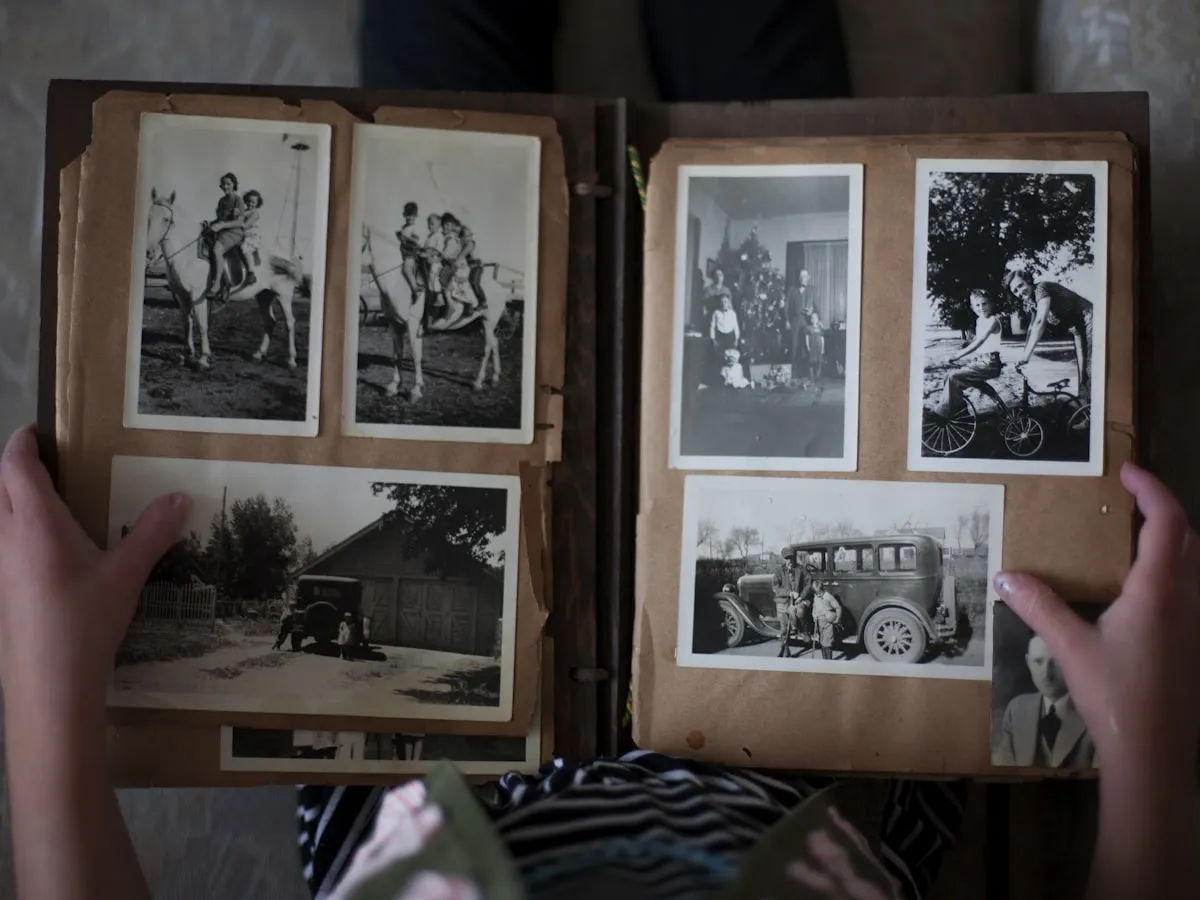
The restoration mode reconstructs missing detail in faded prints, damaged negatives, and low-resolution scans from the 1990s–2000s era. Face enhancement detects and restores up to 12 faces per image.

The photo upscaler handles property photos for MLS listings, Zillow, and marketing brochures. Preserves architectural lines, window reflections, and landscape detail. The render mode handles 3D floor plans and virtual staging.
Photographers, designers, and e-commerce sellers trust our dual-engine architecture
Active Users
Images Upscaled to 4K
Average Satisfaction Rating
Monthly User Growth
Real upscaling results, real feedback
Sarah K.
E-commerce Seller
Supplier photos come in at 800×800. After upscaling with the photo mode, my Etsy listings went from blurry to marketplace-ready. Conversion rate up 23% in the first month.
Marco T.
Photographer
The restoration mode saved 300+ family photos from the 2000s — faces that were 40×40 pixels now look recognizable at 160×160. The face enhancement actually reconstructs features.
Yuki A.
Digital Artist
The AI art upscaler understands my style. Other tools smoothed my brush strokes into plastic. This one kept the texture and enlarged my 1024×1024 outputs to poster-sized prints.
David L.
Real Estate Agent
I upscale 20–30 property photos per listing with fast mode. At 3 seconds each, my entire workflow takes under 2 minutes. MLS photos look professional without a reshoot.
Priya S.
Graphic Designer
The document upscaler is a lifesaver for client presentations. Scanned logos and infographics stay crisp after 4x enlargement — no more pixelated slides in boardroom presentations.
Chen W.
AI Art Creator
I generate at 1024×1024 then upscale with the AI art mode for prints. The 4096×4096 output quality is indistinguishable from native high-res generation.
Start with free credits on signup — no credit card needed.
Technical details about dual-engine upscaling
The photo mode handles general photography — landscapes, events, street scenes. The render mode is for 3D assets and digital illustrations. The restoration mode recovers old photos and damaged scans with automatic face detection. The document mode preserves text legibility in screenshots and infographics. The AI art mode retains stylistic details from text-to-image generators. When unsure, start with the photo mode — it covers 60% of use cases.
Fast mode runs a lightweight 4x enlargement in 3 seconds — ideal for batch product photos, social media images, or any job where speed matters. Pro mode runs 5 specialized upscalers with adjustable sharpness (0–100), noise reduction (0–100), and face enhancement — built for precision work like portrait restoration or print production where output quality justifies extra processing time.
No. 4x means each dimension × 4. A 1000×750 input produces 4000×3000 (exceeding 4K). A 480×360 produces only 1920×1440 (below 4K). Input needs to be at least 960×540 for true 3840×2160.
JPEG, PNG, and WebP from 64×64 to 4096×4096. Max output: 4096×4096 on Basic, 16384×16384 on Pro/Business (268 megapixels). Output always lossless PNG.
Both range 0-100. Sharpen 30-50 enhances edges; above 70 creates halos. Denoise 20-40 removes JPEG grain; above 60 smooths textures. For old photos: denoise 50 + sharpen 40 + face enhancement.
Recraft Crisp: 6 credits per image (every plan, including free). Topaz Pro: from 48 credits per image depending on output size (Pro required). Paid plans start at $8.3/month billed yearly ($100/year) — see the pricing page for each plan's monthly credit allowance.
Yes. Pro/Business access both from one pool. Example: 5 product shots via Recraft (30 cr) + 1 hero image via Topaz (48 cr) = 78 credits for 6 images.
Our support team is ready
Get help from our team
